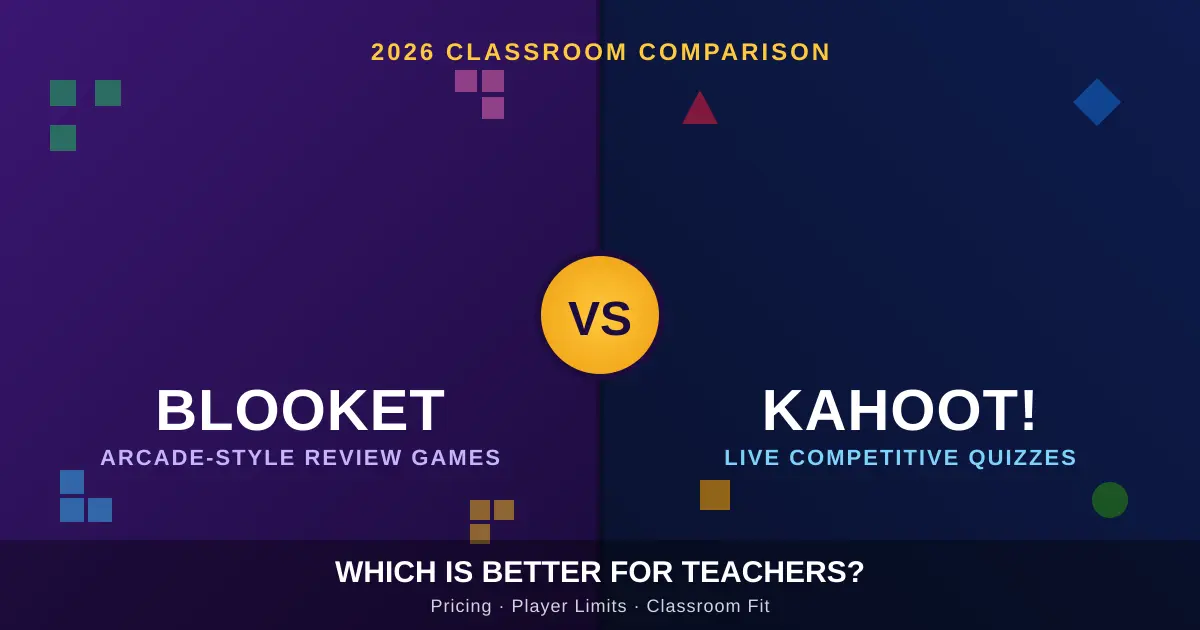
I’ve run review sessions on both platforms with classes ranging from twelve students to a packed auditorium of 150, and the honest answer is that neither one wins outright. Blooket and Kahoot solve different classroom problems. This guide breaks down exactly which one fits your situation, backed by current pricing, player limits, and what actually happens when you launch a session with real kids in the room.
What’s The Real Difference Between Blooket And Kahoot?
Kahoot runs one format: a timed, competitive quiz where everyone answers the same question simultaneously and a leaderboard updates live. Blooket instead offers over a dozen completely different game modes that all run on the same question set. That single design choice explains almost every other difference between them.
Kahoot launched in 2013 and has recorded over 10 billion cumulative participants across more than 200 countries, while Blooket arrived in 2019 and has grown to roughly 5 million registered users. Despite that gap in scale, momentum has shifted recently. Google Trends data shows Blooket overtaking Kahoot in search interest in January 2026, following roughly 6,300% growth since 2020.
In my own testing, the gameplay difference is what students notice first. One week a Blooket session might be a tower defense game, the next a gold heist — same questions, completely different feel. Kahoot, by contrast, sticks to its core format: students answer, scores update, the leaderboard appears, and the cycle repeats. For an occasional Friday quiz, that consistency is a feature, not a flaw.
Where Each Platform Was Built To Work
Kahoot assumes a teacher standing at the front of a room with a projector and a group of students competing at the same time — the entire experience is designed around that scenario. Blooket assumes a single player working through questions at their own pace, and it functions just as well with one student as with thirty. That structural difference drives almost every practical decision below: pricing, group size, homework use, and which age group each tool suits best.
How Do Blooket And Kahoot Compare On Pricing And Player Limits?
Kahoot’s listed entry price is lower, but its free tier caps live games at a small group, while Blooket’s free plan supports a full class with no participant limit. The platform that looks cheaper on paper isn’t always the one that’s actually usable for free.
Here’s the breakdown I use when advising teachers on budget:
| Feature | Blooket | Kahoot |
|---|---|---|
| Free tier player cap | 60 players | 10 players on live games |
| Entry-level paid plan | $4.99/month (single tier, all features included) | Kahoot!+ Start at $3.99/month per teacher |
| Plan needed for full classroom use | Same $4.99 tier covers everything | Presenter tier at roughly $10/month for assignment tools, full analytics, and no participant cap |
| Paid tier player cap | Up to 300 players on the Plus plan | Scales by tier, designed for large groups |
| Game modes available | 15+ modes, including Tower Defense, Café, Factory, Crazy Kingdom, and Monster Brawl | One core quiz format with seasonal visual variants |
| Best suited for | Solo/home review, K-8 classrooms, tight budgets | Live group sessions, large-group events, formal assessment |
I learned the hard way that sticker price alone is misleading. Kahoot’s entry price looks lower at around $3 to $4 a month, but that plan doesn’t include the features most classroom teachers actually need — getting assignment tools and an uncapped roster means moving up to the roughly $10 Presenter tier. Blooket’s single paid tier at $4.99 includes everything without forcing an upgrade decision later. If you’re budgeting for a school year, run the math on what you’ll actually use, not the lowest number on the pricing page.
Which Platform Fits Your Classroom Setup Best?
Pick Blooket for elementary and middle school review, homework, and tight budgets. Pick Kahoot for live group competitions, formal assessment with detailed exports, and any setting — corporate training, college lecture halls — where dozens of people need to compete at once in real time.
For K-8 Classrooms And Daily Review
The gaming elements and character collection in Blooket create sustained engagement that traditional quiz formats can’t match, and the self-paced options work well for differentiated instruction. In my testing with a fourth-grade class, the collectible “Blooks” mattered more to engagement than I expected — kids who normally rushed through review sheets stuck around for extra rounds just to unlock a new character.
Blooket also fits longer review sessions better: some game modes run fifteen to twenty minutes and students stay locked in the whole time, mixing competitive and collaborative energy in the same room. If you’re assigning practice as homework, that matters too — many Blooket modes run self-paced, letting students progress individually, while Kahoot sessions are strictly real-time.
For High School, College, And Large-Group Events
For high school, college, and corporate settings, the professional features, reliability, and comprehensive analytics make Kahoot the stronger choice for serious assessment and large-scale training. Corporate trainers report running sessions with 200-plus participants reliably, and integrations with Teams, Zoom, Canvas, and PowerPoint make it a strong fit for professional environments.
For schools and districts that need to prove curriculum alignment, Kahoot made a notable move this year. Its Q2 2026 update lets educators search instantly for content tagged to TEKS, CCSS, NGSS, ISTE, and NCSS standards by entering the standard code directly. If your administration asks for standards documentation, that single feature can save real planning time.
Step-By-Step: Running Your First Session On Either Platform
- Create or import a question set. Both platforms let you build from scratch, import existing files, or pull from a shared library.
- Choose your format. On Blooket, pick from the available game modes (Tower Defense, Café, Gold Quest, and others). On Kahoot, your format options are more limited but launch faster.
- Share the join code. Students join via kahoot.it by entering the PIN and a username, or join a Blooket game through its own code-entry screen — no app download required for either.
- Run the session and monitor live. Watch the leaderboard or game-mode progress and pause to clarify misunderstood concepts.
- Pull the post-game report. Kahoot produces solid reports showing which questions stumped the class and how fast students responded, downloadable to a spreadsheet — useful for formal assessment or parent communication. Blooket reports the same data, broken down by student and question, though free-tier detail is lighter.
What Do Teachers Actually Say — And What Are The Common Mistakes?
Both platforms carry near-identical reputations among reviewers, which surprises most teachers comparing them for the first time. Both Blooket and Kahoot sit at 2.9 out of 5 on Trustpilot — an identical score reflecting similar underlying frustrations, though reviewers who leave ratings tend to skew toward people who hit problems, so neither score should be read as a final verdict.
Mistake #1: Assuming Kahoot’s free plan covers a full class. It doesn’t. Kahoot’s free plan limits live games to ten players, which is unusable for most class sizes without upgrading to a paid plan. Plenty of teachers build a lesson around Kahoot only to discover the cap mid-setup.
Mistake #2: Trusting community-made question sets without reviewing them first. Community-generated question sets in Blooket sometimes contain incorrect answers, which teachers and parents frequently flag in reviews — and Kahoot’s user-created content carries the same risk, even though its official sets tend to be higher quality. I now preview every imported set before class, no exceptions.
Mistake #3: Using Kahoot for solo homework. It technically supports it, but engagement drops fast. Without classmates competing alongside them, many students disengage at home, and some parents have noted the novelty fades within a few weeks of solo use. If homework gamification is your goal, Blooket’s self-paced design is the better default.
Mistake #4: Picking a platform based on hype instead of class size. A platform that’s trending isn’t automatically the right fit for a 32-student high school chemistry class versus a homeschool pod of three. Match the tool to your room, not the headlines.
Myth: “Blooket doesn’t actually teach anything.” It’s fair to say Blooket tests knowledge rather than teaching new material — the post-game reports show where a student struggled, but the platform itself isn’t a content-delivery tool. That’s true of Kahoot too. Neither replaces instruction; both reinforce it.
Frequently Asked Questions
Is Blooket or Kahoot better for elementary students? For K-8 classrooms, Blooket generally fits better — its 15+ game modes and collectible Blooks system keep younger learners engaged across repeat sessions more effectively than Kahoot’s single-format quiz.
Does Blooket have a free plan that covers a full class? Yes. Blooket’s free tier supports up to 60 players per session, enough for nearly any classroom without an upgrade.
Is Kahoot’s free version still usable for teachers in 2026? Kahoot’s free version has become more limited over the years, with some functionality that used to be free now locked behind a paid subscription, and live games are capped at ten players.
Which platform is better for large groups or corporate training? Kahoot is the standard choice for professional settings, thanks to integrations with Teams, Zoom, and PowerPoint, ISO 27001 certification, and reliable large-group performance.
Can teachers use both Blooket and Kahoot together? Yes, and many do. Both platforms have free tiers, so running both costs nothing — Blooket for daily review and homework, Kahoot for live assessments and special events.
Do students need to download an app to join a game? No. Blooket runs entirely through web browsers on any device, while Kahoot offers dedicated iOS and Android apps alongside its browser version.
Which platform offers more game variety? Blooket currently offers 15-plus game modes, including Tower Defense, Café, Factory, Crazy Kingdom, and Monster Brawl, each applying the same question set with different mechanics. Kahoot keeps a single quiz-show format with seasonal visual refreshes.
Has Kahoot added any major features recently? Yes — Kahoot’s 2026 updates expanded standards support to cover all 50 U.S. states, CCSS, NGSS, ISTE, and NCSS, and strengthened its AI tools for generating questions directly from PDFs or URLs.
The Bottom Line
Neither platform is objectively better — the right pick depends on who’s in the room and what you’re trying to accomplish. If you teach elementary or middle school and need a tool students will return to for homework and daily review, start with Blooket’s free plan; it covers a full class with no player cap. If you’re running live, high-energy group sessions, need detailed exportable reports, or you’re teaching in a high school, college, or corporate setting, Kahoot’s structure and analytics earn the higher price tag.
My honest recommendation after testing both: don’t force a single-platform decision. Run Blooket for the review grind and Kahoot for the big moments — the test prep day, the parent open house, the lecture hall demo. Try one free session on each platform with your actual students this week and watch which one holds their attention without your prompting. That’s the only review score that matters in your classroom.